
Review and control applications
Jobwright does not treat a draft as permission. Protected actions require a fresh approval or a matching Search & Apply mandate.
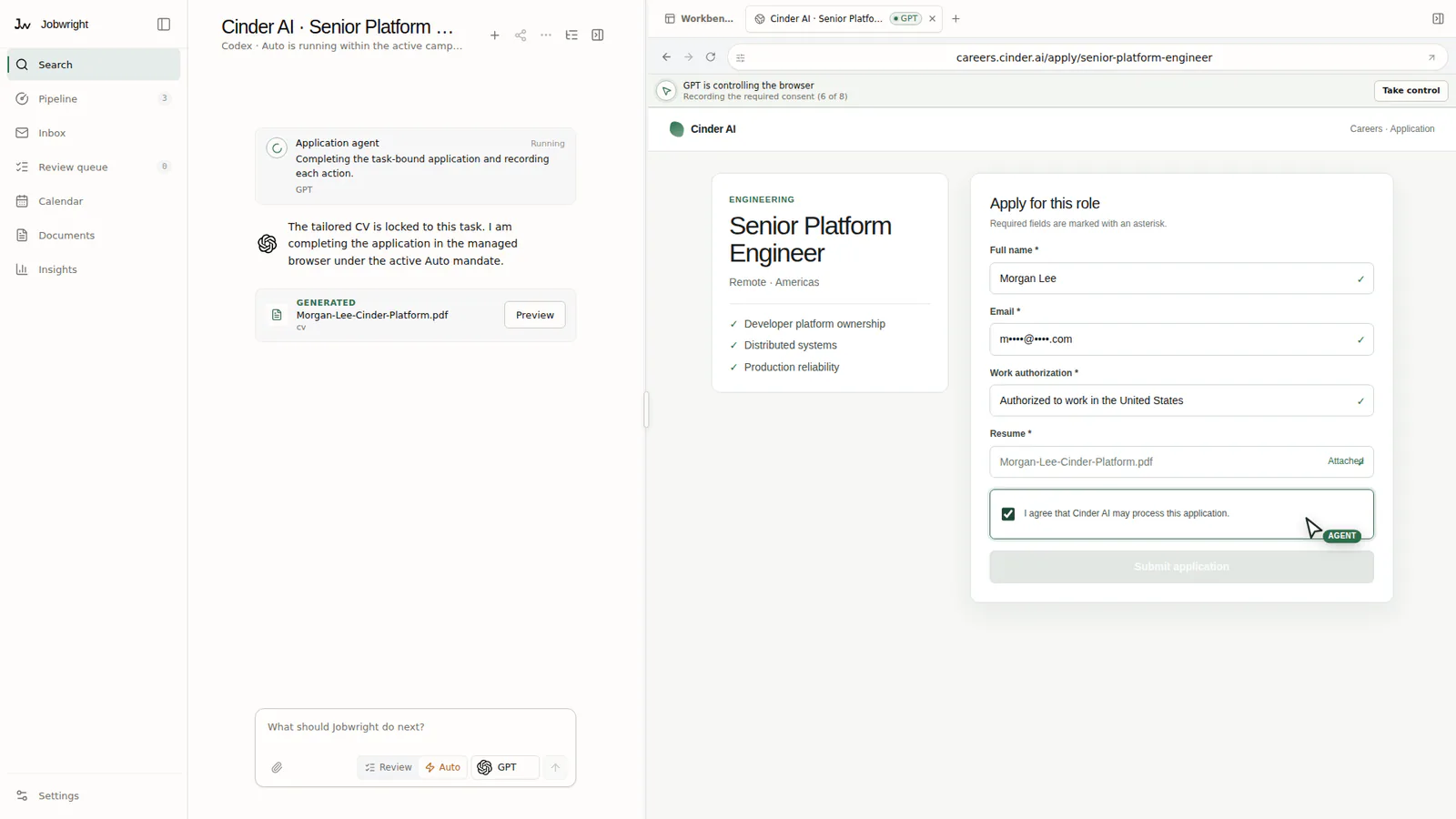
Review documents and applications
Section titled “Review documents and applications”An AI suggestion is a draft. Evidence and your approval decide what enters an application.
- Open the review queue when Jobwright marks an item as needing you.
- Compare each document change with the original text and source facts.
- Check every answer and attachment in the application form.
- Confirm only when the final form is complete, true, and meant for that exact role.
Review mode
Section titled “Review mode”Review mode stops before each protected action. The approval is for the exact job, form, document, destination, and action shown to you.
Check the source next to a suggested answer. Correct the candidate fact when the source is wrong. Correct only the draft when the fact is right but the wording is poor.
Search & Apply
Section titled “Search & Apply”Search & Apply can act only inside the campaign limits that you accepted. If Jobwright does not know a required fact, it asks you and stops. A missing or failed mandate check returns the action to Review.